Bricks
6 months ago
Copy URL
Bricks: Version 13
New Features:
- Added consideration of the frame's canvas stacking order when calculating z-index.
- Added a "Book a free demo" banner.
Fixed:
- Various bug fixes and improvements.
Bricks
7 months ago
Copy URL
Bricks: Version 12
New Features:
- Added new Copy Paste Mode for copy-pasting directly into Bricks Editor.
- Added responsiveness to the exports.
Improvements:
- Updated "Copy Mode" & "Import Mode" buttons design.
- Removed Black Friday banners.
Fixed:
- More bug fixes & improvements.
Bricks
11 months ago
Copy URL
Bricks: Version 10
Improvements:
- Tagging Tab: Fixed a bug with the “Changes will be lost” dialogue.
- Live Import: Reduced “URL Unreachable” errors.
- Updated the Limit-Reached page text with the max users count.
- Added a new announcements popup.
Fixed:
- Intro: Added close button on Live Import "Add Site" popup.
Bricks
11 months ago
Copy URL
Bricks: Version 9
Improvements:
- Updated YouTube video links with embed links.
- Improved template kits image quality.
- Added delayed loading & loader for template images.
- SproutUI filter in templates now supports single-select.
- Extended onboarding till Live Import → Upload.
- Disabled exiting the intro unless the plugin is closed.
- Disabled some portions of the screen to support non-interactivity.
Fixed:
- Minor bugs related to licenses.
- Fixed bug with Live Import’s "Upload All" button.
Bricks
about 1 year ago
Copy URL
Bricks: Version 8
New Features:
- Support for overlay for containers.
- Figma file relaunch from the right toolbar.
- Support for tooltips.
- New heatmap for showing tagging in the file.
- Doc links added on tagging options & tagging screen.
- New icons for each tagging option.
- Support for specifying HTML tags (H1–H6, span, p, etc.) in headings.
- Support for Bricks RichText.
- Auto-tagging Bricks RichText widgets based on word count.
- New columns option (4, 3, 2) to control display of tagging options.
- Responsive Manager: Toggle for Recommended | Custom settings
- Responsive Manager: Support for exporting & importing settings individually
- Responsive Manager: New recommended responsive values
Improvements:
- Multiple Frame Selection Wizard now supports direct conversion.
- Enabled skipping steps in Express Converting.
- Settings button added for Express Converting.
- Improved Notification in Tagging Process by adding “You are Tagging”/“You have already Tagged” text automatically
- Updated “Show Tags” button.
Fixed:
- Some minor bug fixes & improvements.
Bricks
about 1 year ago
Copy URL
Bricks: Version 7
Improvements:
- Improved WordPress plugin connection flow.
Bricks
about 1 year ago
Copy URL
Bricks: Version 6
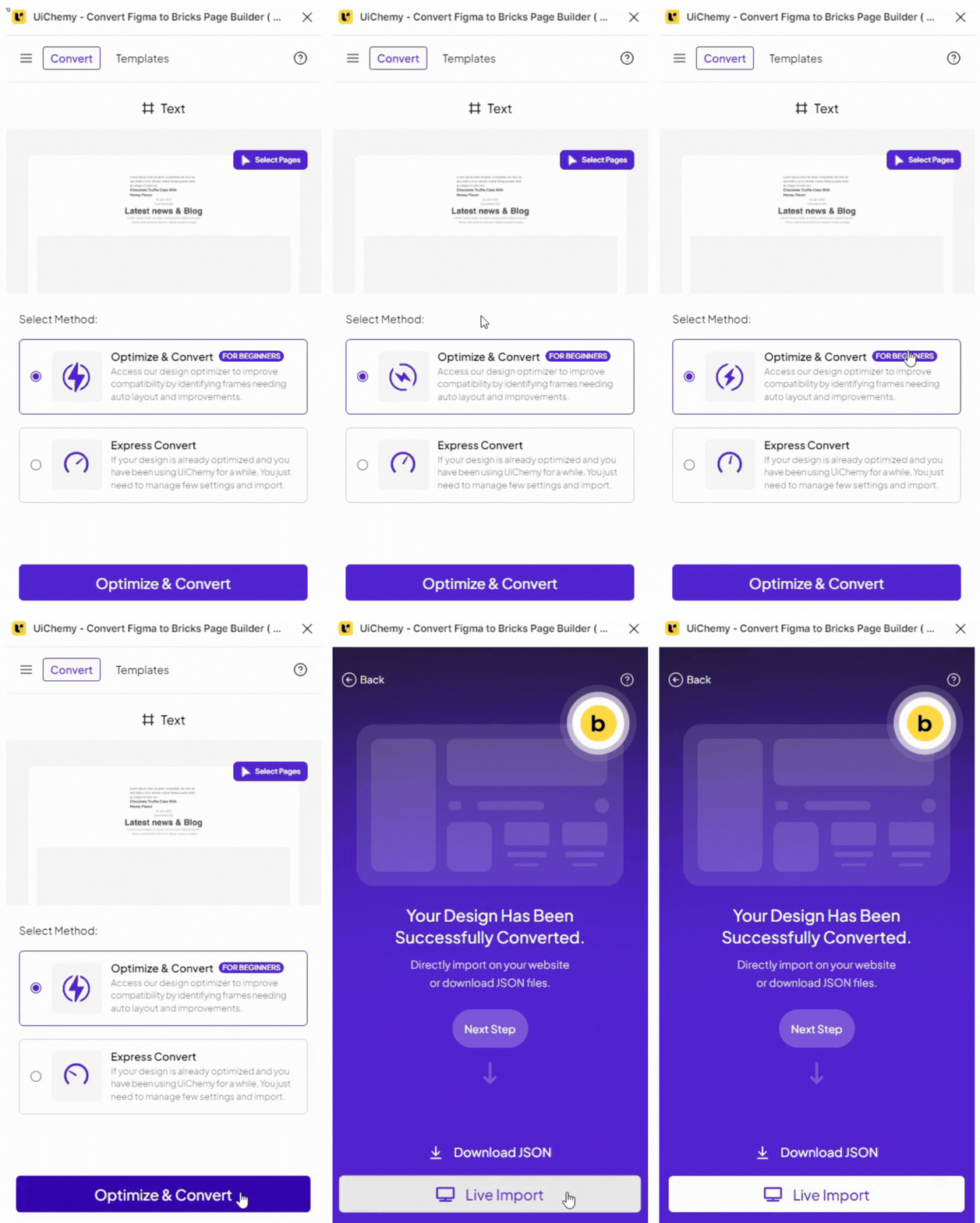
New Tagging Widgets Support
- Icon List Tagging Support
- Icon Box Tagging Support
- Video Tagging Support
- Image Gallery Tagging Support
- Carousel Tagging Support
- Counter Tagging Support
- Alert Tagging Support
- Countdown Tagging Support
- Rich Text Tagging Support
- Basic Text Tagging Support
- Table of Contents Tagging Support
- Excerpt Tagging Support
- Post Title Tagging Support
- Instagram Feed Tagging Support
- Logo Tagging Support
- Audio Tagging Support
- Meta Data Tagging Support
- Code Tagging Support
- Related Posts Tagging Support
- Reading Time Tagging Support
- Map Tagging Support
- Text Link Tagging Support
- Posts Tagging Support
- Testimonials Tagging Support
- Team Members Tagging Support
- Form Tagging Support
Improvement:
- Option to Retry & Open in “Import All” Button in Live Import
- Video Embed for “How to Connect Site” in Live Import Connect Popup
- Enabled support for Dynamic Page Loading with Figma API Update
- All pages won’t be loaded when the plugin is opened
- Auto clearing of Tagging before Converting & after leaving Tag Panel
- Updated “Figma to Gutenberg” Plugin link in Hamburger Menu.
- Minor Bug Fixes & Improvements
Bricks
about 1 year ago
Copy URL
Bricks: Version 5
Major Version Release 2.0
New Features – Design Optimisation Companion:
- Media Optimiser (3 tools)
- Frames Optimiser (8 tools)
- Text Optimiser (1 tool)
- Main Frame Optimiser (3 tools)
New Features:
- Multiple Pages at Once option
- Export JSON panel with multi-page support
- Live Import: Multiple website connections
- Live Import: New page/template export
- Live Import: Bricks Theme Builder connection
- Live Import: Replace or add-on to existing pages/templates: Access to 1000+ UiChemy Optimised Figma pages/templates
Improvements:
- Revamped Widget Tagging UI
- Revamped Responsive Options UI
- Numerous bug fixes & performance improvements
Special Thanks:
- To our 50+ Beta Program Agency Partners for shaping this tool for web creators.
Bricks
over 1 year ago
Copy URL
Bricks: Version 4
New Features:
- Updated licensing according to new pricing
- Improved product license error messages
- Added “PRO” badge in profile area
Fixed:
- Bug fixes & improvements
Bricks
over 1 year ago
Copy URL
Bricks: Version 3
New Feature:
- Troubleshooting links for Live Import
Bricks
over 1 year ago
Copy URL
Bricks: Version 2
Improvements:
- Improved Live Import process
- New feedback prompt
- Support for image uploads in Live Import
- Buttons made clickable
Fixed:
- Various bug fixes