Newest updates
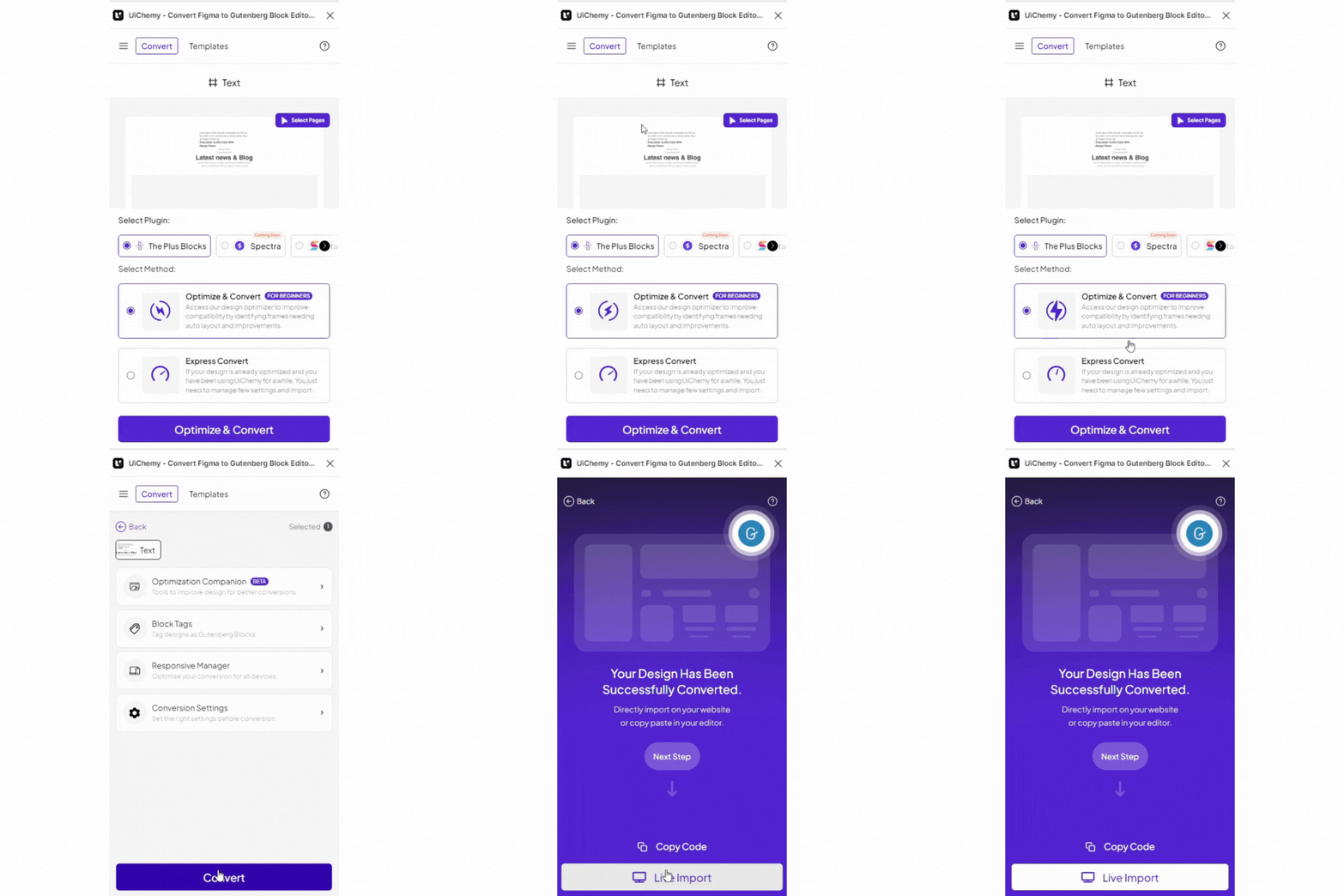
New Tagging Widgets Support:
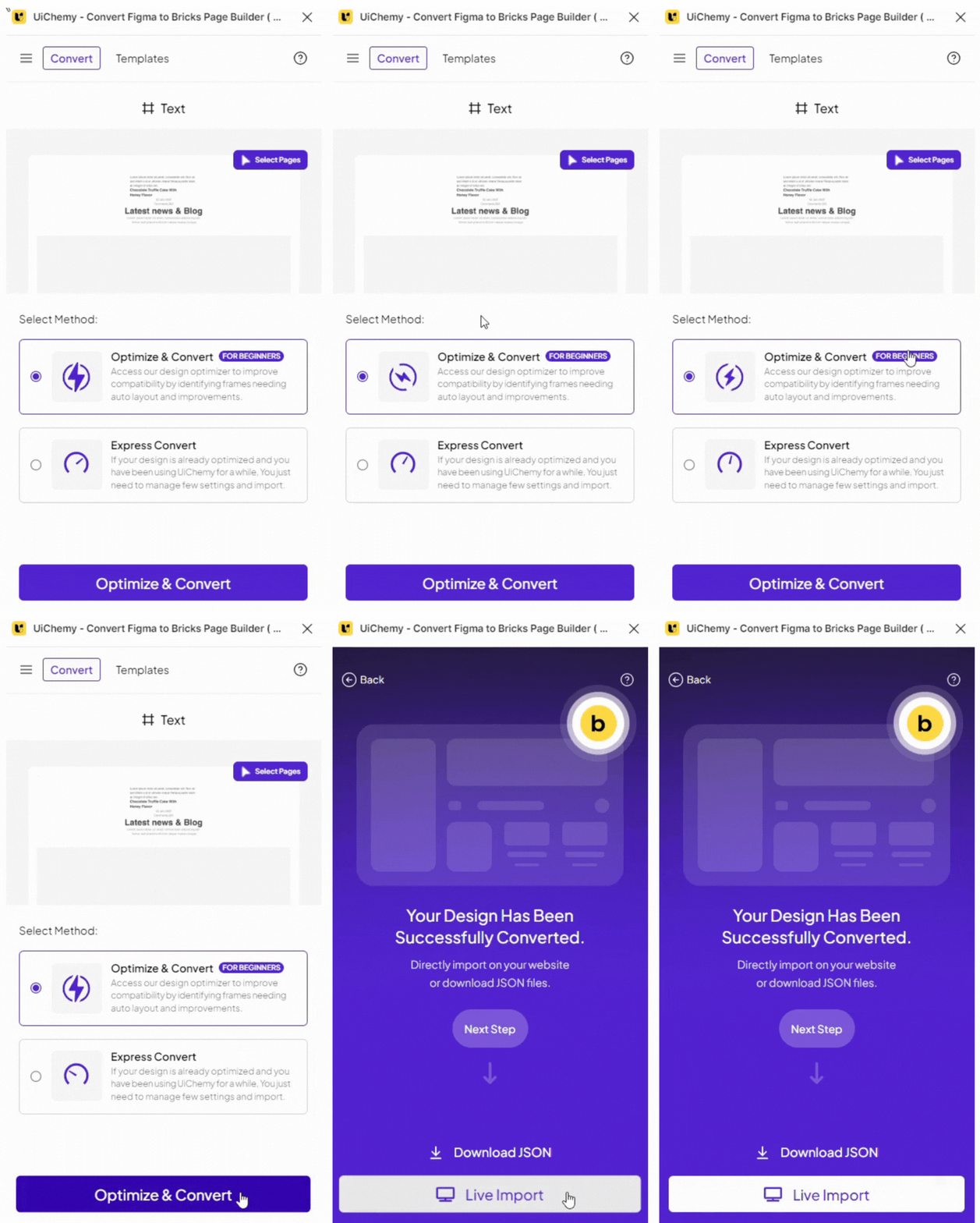
Bricks
Improvement:
Improvement:
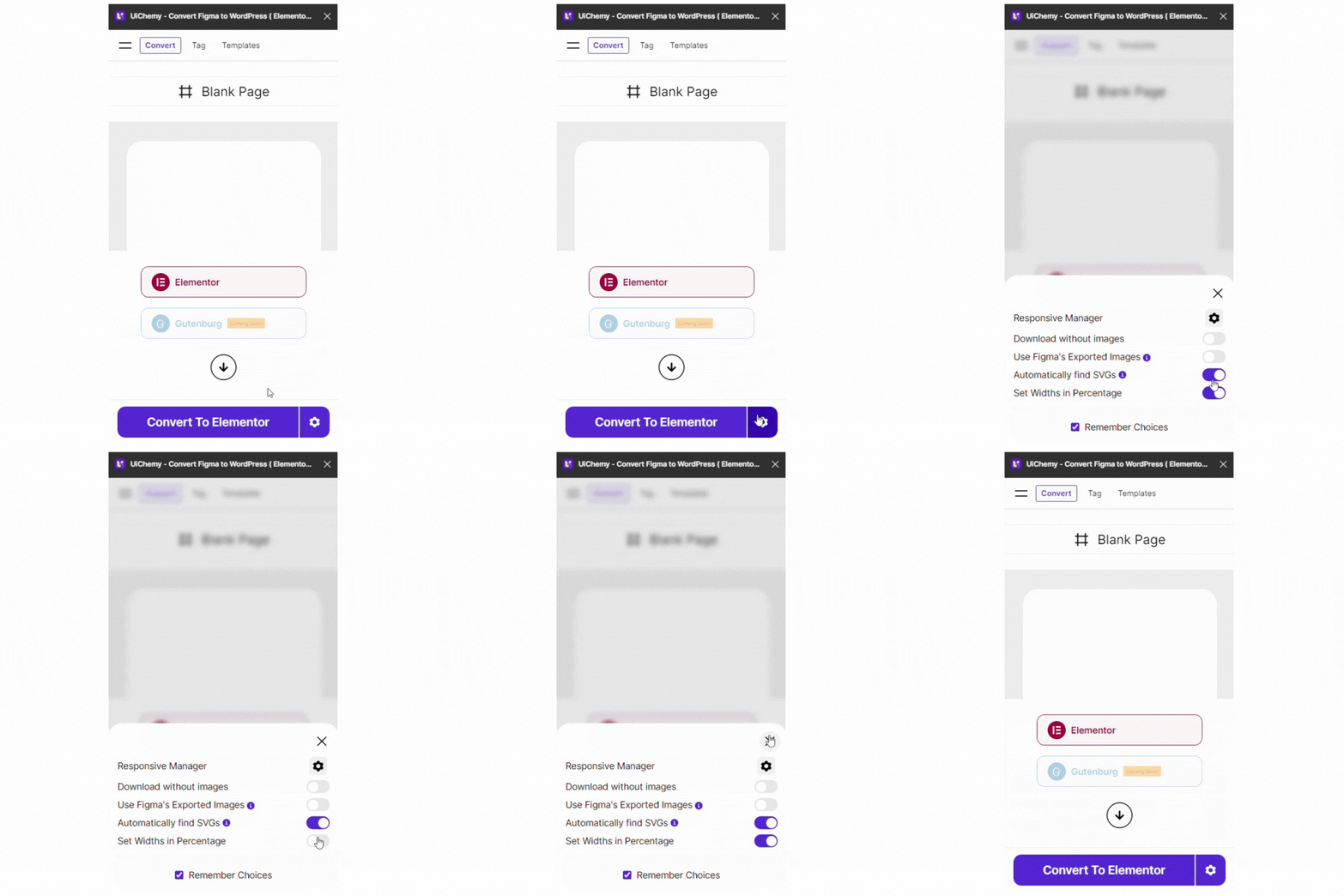
Set width Percentage
Improvement:
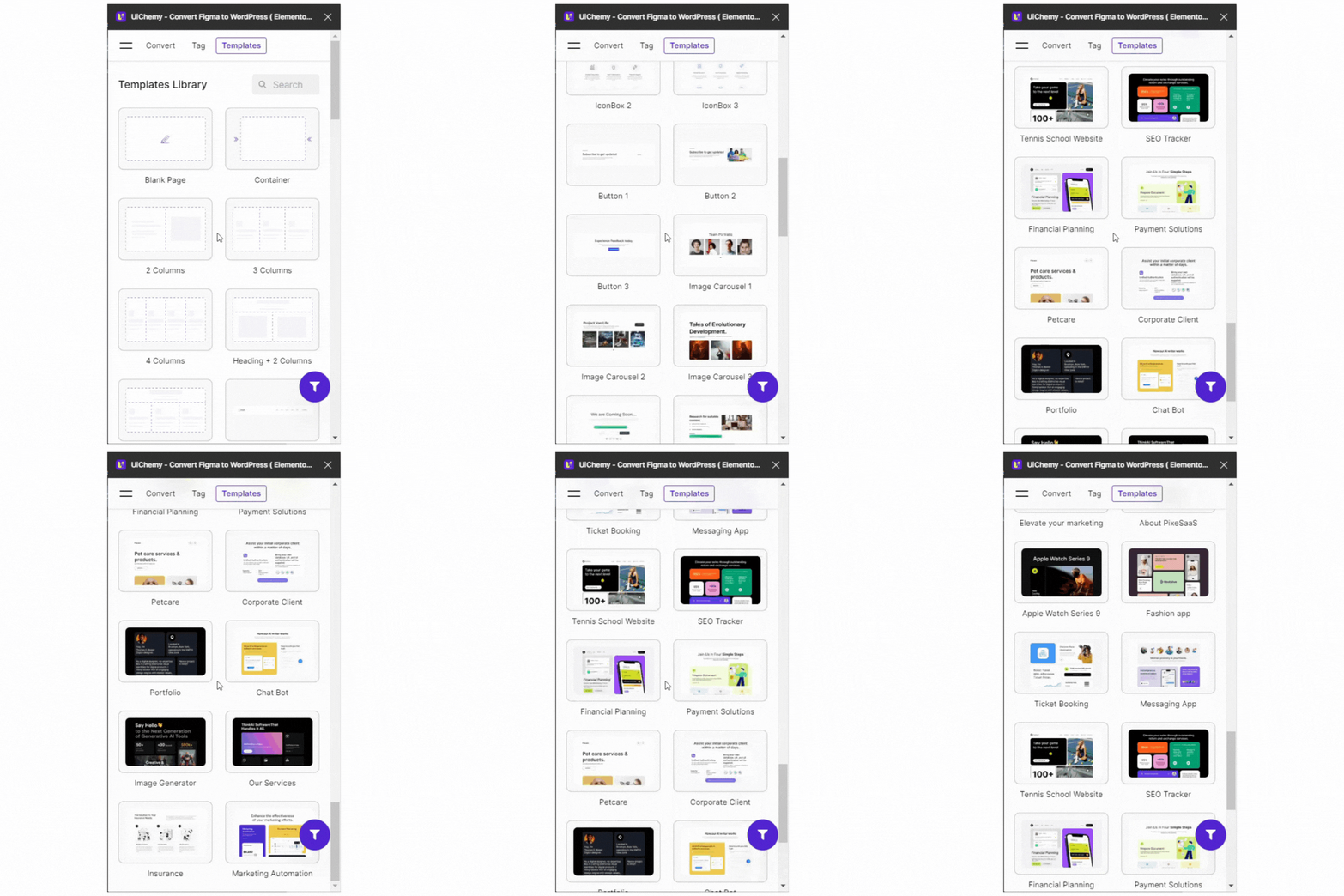
New Templates
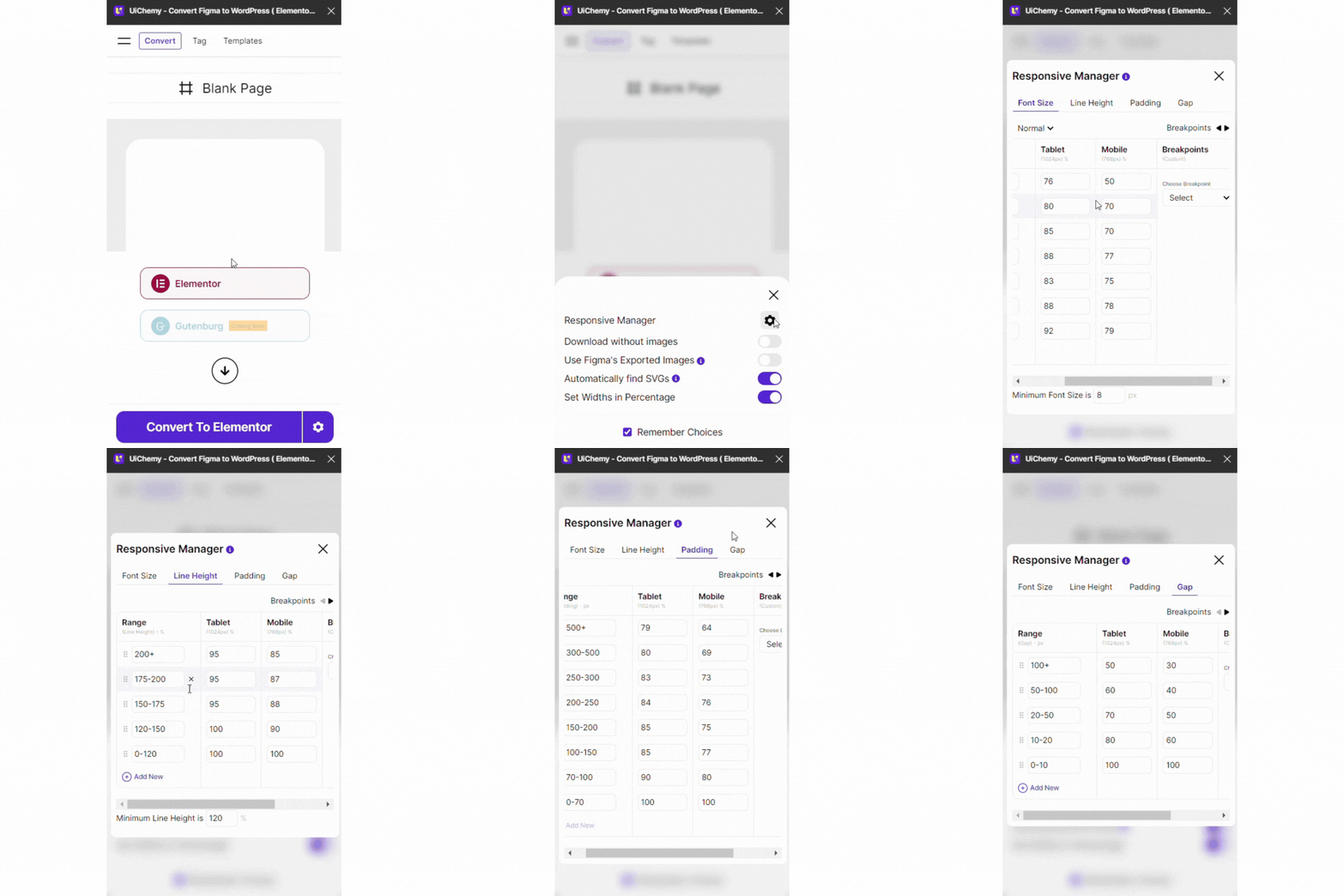
Responsive Manger
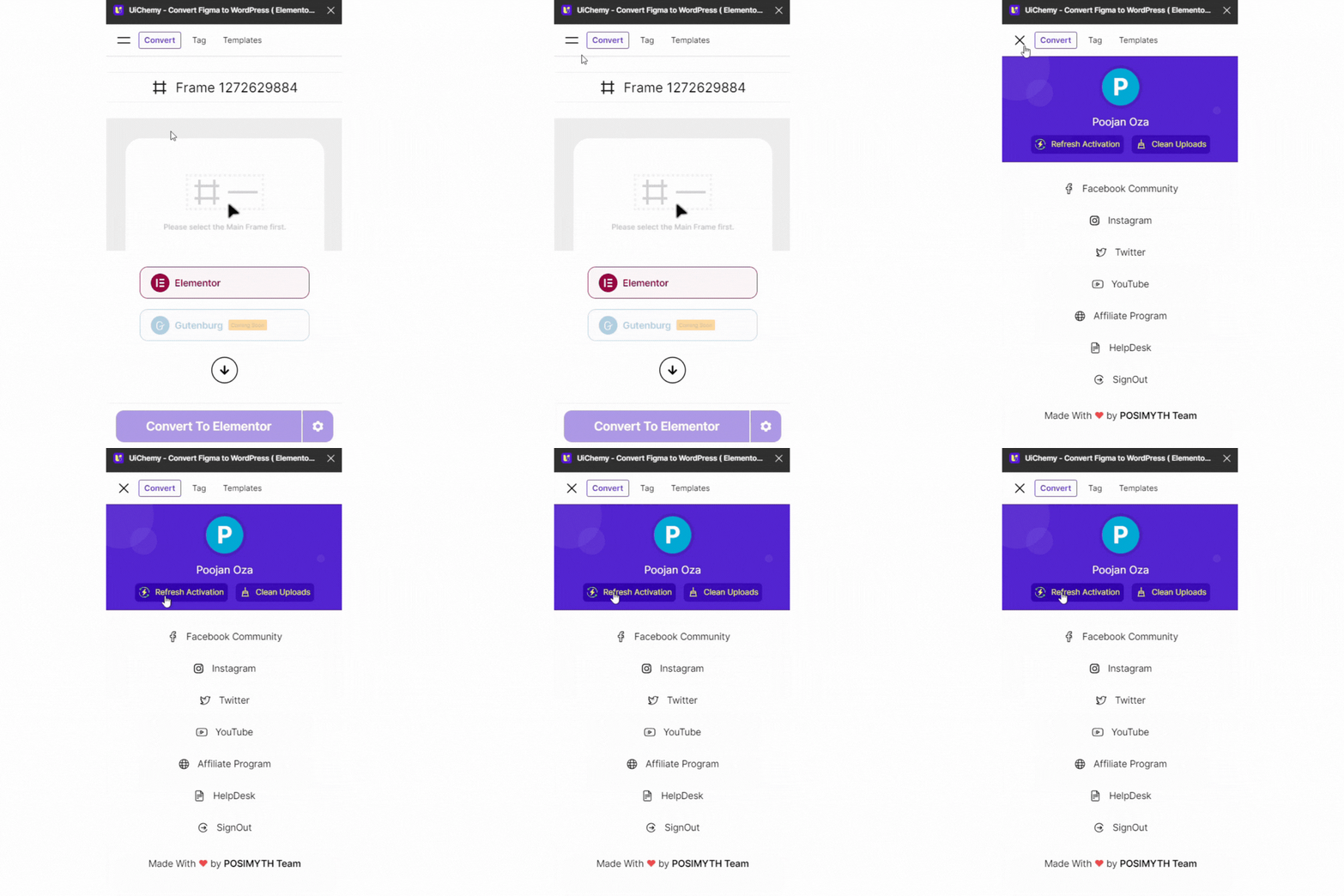
Refresh Activation
Older updates
Gutenberg
Gutenberg: Version 3
New Features – Tagging Support for:
- Video Block
- Blockquote
- Advanced Image
- Infobox
- Paragraph
- Stylish List
- Testimonials
- Social Icons
- Heading Title
- Number Counter
Improvements:
- “Import All” button now includes retry & open option.
- Video embed added to “How to Connect Site” in Live Import popup.
- Support for dynamic page loading using the updated Figma API.
- Faster plugin loading – reduced initial page loads.
- Tagging auto-clears before converting and after leaving the tag panel.
- Minor bug fixes and overall improvements.
Gutenberg
Gutenberg: Version 1 & 2
New Tagging Widgets Support:
- Video Block Tagging Support
- Blockquote Tagging Support
- Advanced Image Tagging Support
- Infobox Tagging Support
- Paragraph Tagging Support
- Stylish List Tagging Support
- Testimonials Tagging Support
- Social Icon Tagging Support
- Heading Title Tagging Support
- Number Counter Tagging Support
Improvement :
- Option to Retry & Open in “Import All” Button in Live Import
- Video Embed for “How to Connect Site” in Live Import Connect Popup
- Enabled support for Dynamic Page Loading with Figma API Update
- All pages won’t be loaded when the plugin is opened
- Auto clearing of Tagging before Converting & after leaving Tag Panel
- Minor Bug Fixes & Improvements
Bricks
Bricks: Version 6
New Tagging Widgets Support
- Icon List Tagging Support
- Icon Box Tagging Support
- Video Tagging Support
- Image Gallery Tagging Support
- Carousel Tagging Support
- Counter Tagging Support
- Alert Tagging Support
- Countdown Tagging Support
- Rich Text Tagging Support
- Basic Text Tagging Support
- Table of Contents Tagging Support
- Excerpt Tagging Support
- Post Title Tagging Support
- Instagram Feed Tagging Support
- Logo Tagging Support
- Audio Tagging Support
- Meta Data Tagging Support
- Code Tagging Support
- Related Posts Tagging Support
- Reading Time Tagging Support
- Map Tagging Support
- Text Link Tagging Support
- Posts Tagging Support
- Testimonials Tagging Support
- Team Members Tagging Support
- Form Tagging Support
Improvement:
- Option to Retry & Open in “Import All” Button in Live Import
- Video Embed for “How to Connect Site” in Live Import Connect Popup
- Enabled support for Dynamic Page Loading with Figma API Update
- All pages won’t be loaded when the plugin is opened
- Auto clearing of Tagging before Converting & after leaving Tag Panel
- Updated “Figma to Gutenberg” Plugin link in Hamburger Menu.
- Minor Bug Fixes & Improvements
Elementor
Version 21
Improvement:
- Changed some default Conversion Settings.
- Changed Live Import Elementor Error Link.
- Changed Express Convert Text.
- “Figma to Gutenberg” Plugin link in Hamburger Menu.
- Updated Download JSON Tile Height.
- Fixed Home Screen Text Wrap Issue.
- Option to Retry & Open in “Import All” Button in Live Import.
- Video Embed for “How to Connect Site” in Live Import Connect Popup.
- Enabled support for Dynamic Page Loading with Figma API Update.
- Now all pages won’t be loaded when the plugin is opened.
- Added auto clearing of Tagging before Converting & after leaving Tag Panel.
- Minor Bug Fixes & Improvements.
Bricks
Bricks: Version 5
Major Version Release 2.0
New Features – Design Optimisation Companion:
- Media Optimiser (3 tools)
- Frames Optimiser (8 tools)
- Text Optimiser (1 tool)
- Main Frame Optimiser (3 tools)
New Features:
- Multiple Pages at Once option
- Export JSON panel with multi-page support
- Live Import: Multiple website connections
- Live Import: New page/template export
- Live Import: Bricks Theme Builder connection
- Live Import: Replace or add-on to existing pages/templates: Access to 1000+ UiChemy Optimised Figma pages/templates
Improvements:
- Revamped Widget Tagging UI
- Revamped Responsive Options UI
- Numerous bug fixes & performance improvements
Special Thanks:
- To our 50+ Beta Program Agency Partners for shaping this tool for web creators.
Elementor
Version 20
Major Version Release 2.0


.gif)
- Design Optimisation Companion: Media Optimiser: 3 Tools
- Design Optimisation Companion: Frames Optimiser: 8 Tools
- Design Optimisation Companion: Text Optimiser: 1 Tool
- Design Optimisation Companion: Main Frame Optimiser: 3 Tools
- Multiple Page at Once Option
- Export JSON Panel with Multiple Pages Support
- Live Import Multiple Website Connection
- Live Import Multiple New Page/Template Export
- Live Import Elementor Pro Theme Builder Connection
- Live Import Nexter Theme Builder Connection
- Live Import Replace existing Page/Template
- Live Import Addon on existing Page/Template
- 1000+ UiChemy Optimised Figma Pages/Templates Access
Improvement:
- Revamped Widget Tagging UI
- Revamped Responsive Options UI
- Lots more bug fixes and improvements
Bricks
Bricks: Version 4
New Features:
- Updated licensing according to new pricing
- Improved product license error messages
- Added “PRO” badge in profile area
Fixed:
- Bug fixes & improvements
Version 19
Improvement:
- Updated Licensing according to new pricing
- Improved product license error messages
- “PRO” Badge in Profile Area
- Some Bug Fixes & Improvements
Elementor
Version 17
New Features:
- Added Mini Calculator in Responsive Manager.
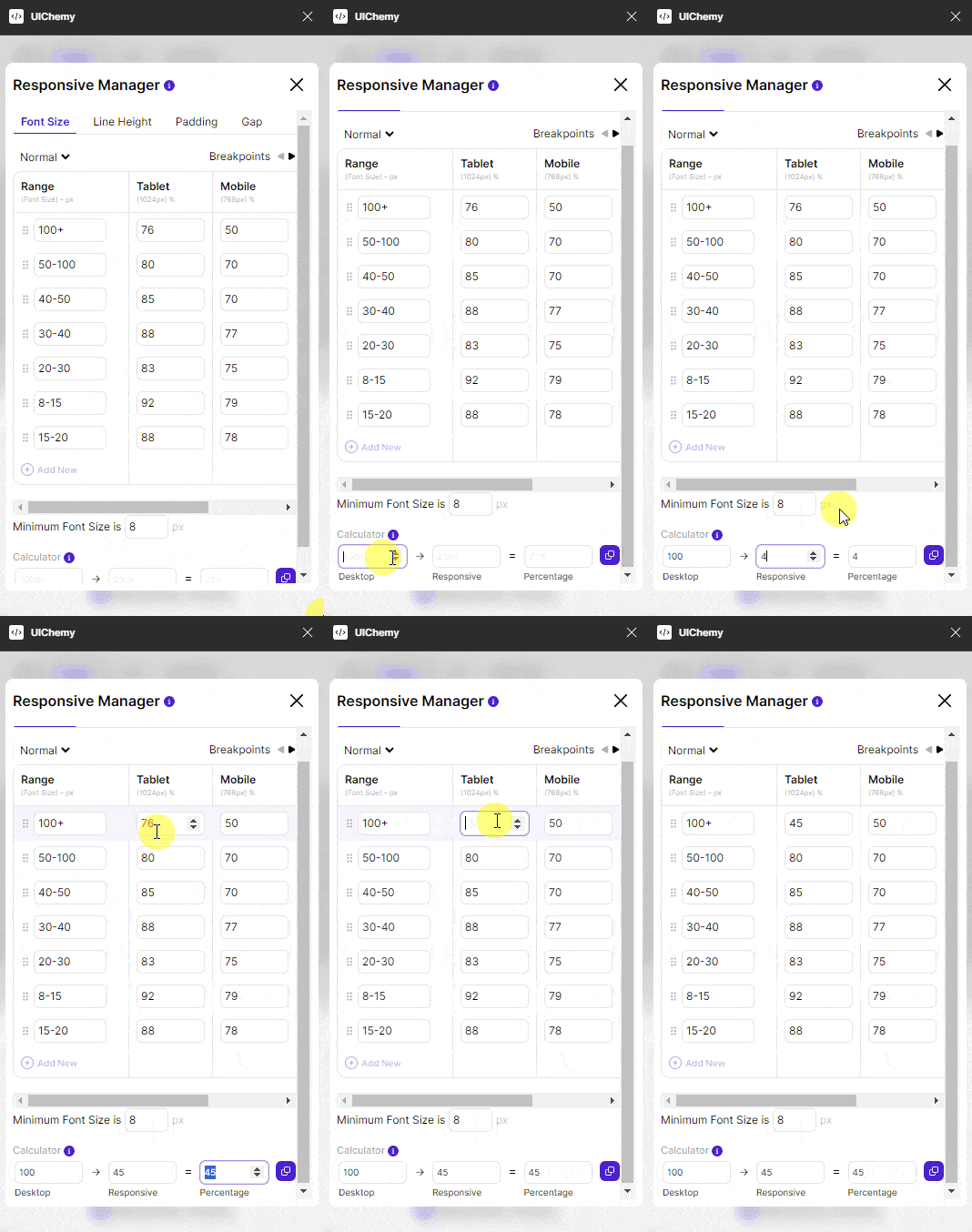
Calculator
Improvement:
- Added Link for Figma to Bricks.
- Few UI Refreshment.
- Login Image UI.
- Updated Welcome Page Text UI.
- Updated Copyright Area UI.
- Updated Convert Tab Buttons UI.
Fixed:
- Some Bug Fixes and Improvements.
Bricks
Bricks: Version 2
Improvements:
- Improved Live Import process
- New feedback prompt
- Support for image uploads in Live Import
- Buttons made clickable
Fixed:
- Various bug fixes
Elementor
Version 16
New Widget Release:
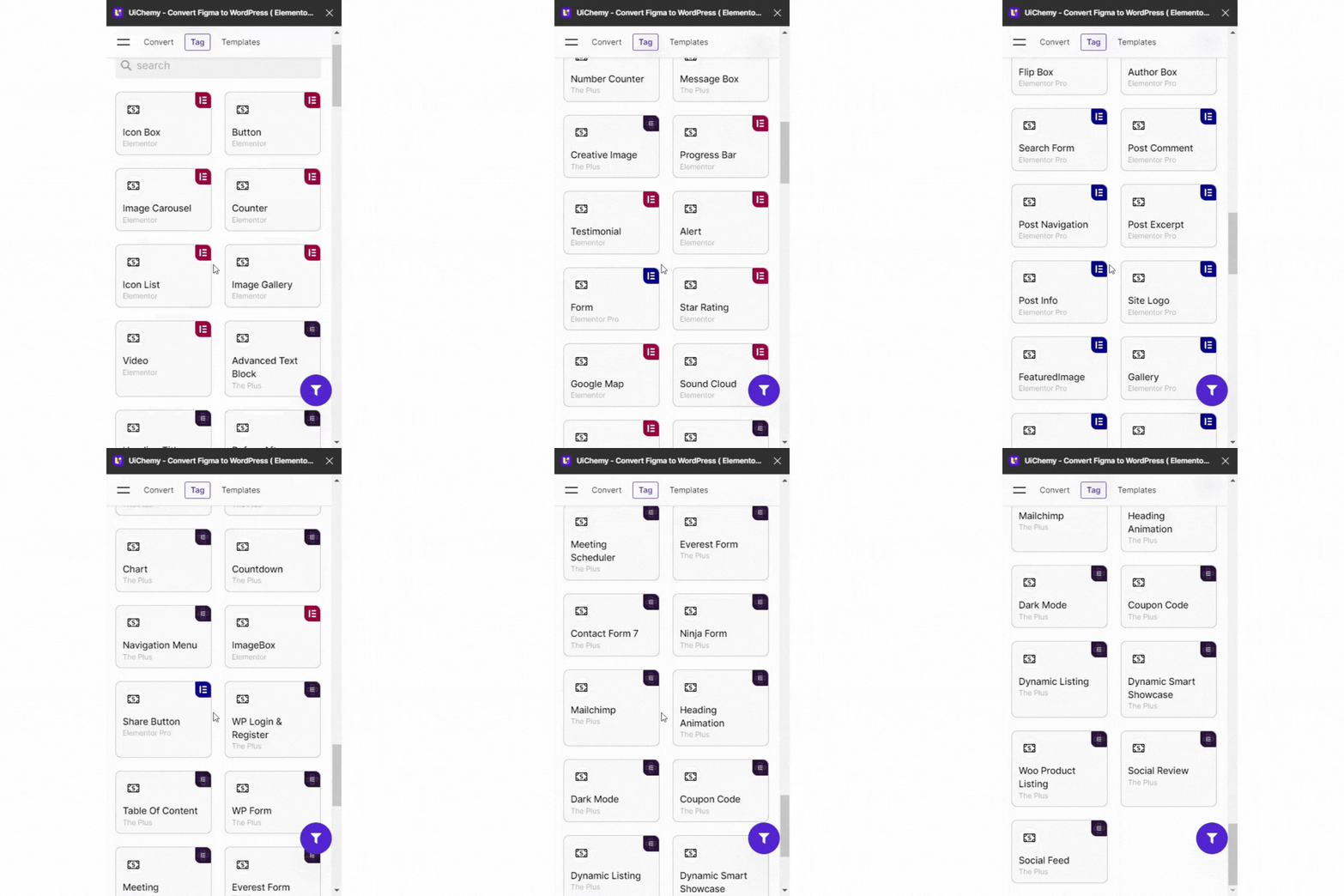
New Widgets
Elementor:
Elementor:
- Image Box
Elementor Pro:
- Flip Box
- Author Box
- Search Form
- Feature Image
- Site Logo
- Post Comment
- Post Navigation
- Page Title
- Post Title
- Site Title
- Post Excerpt
- Post Info
- Slides
- Animated Headline
- Block Quote
- Gallery
- Pricing List
- Share Button
The Plus:
- TP Progressbar
- TP Flip Box
- TP WP Login
- TP Table Of Content
- TP WP Form
- TP Contact Form 7
- TP Everest Form
- TP Meeting Scheduler
- TP Ninja Form
- TP Mailchimp
- TP Heading Animation
- TP Dark Mode
- TP Coupon Code
- TP Heading Title
- TP Dynamic Listing
- TP Dynamic Smart Showcase
- TP Woo Product Listing
- TP Social Review
- TP Navigation Menu
- TP Advanced text box
- TP Blog Post (Listing)
- TP Social Feed
- TP Before After
- TP Message Box
- TP block quote
- TP Creative Image
- TP CountDown
- TP Social Icon
- TP Pie Chart | TPChart
- TP Number Counter
- TP Button
Version 15
New Features:
- Setting Panel: Option to Export widths in Percentage.
- Multisite WordPress setup Support.
- Flex-Gap in Responsive Manager.
Improvement:
- Some Bug Fixes and Improvement.
Version 14
New Features:
- Added 20+ new templates (Bento Grid).
Fixed:
- Some Bug Fixes and Improvements.
Version 13
New Features:
- Support for Sections to contain Main-Frames.(Now a Main Frame directly in the page or directly in a section can be converted.)
Version 12
New Features:
- Support for Boolean Operations Union, Subtract, Intersect, Exclude.
Improvement:
- Updated default padding table values Responsive Manager.
Fixed:
- Text Letter-Spacing & Font-Size round off issues.
Version 11
New Features:
- Responsive Manager:
- Font Size Responsiveness: Standard
- Font SizeResponsiveness: Clamp
- Line Height Responsiveness
- Padding Responsiveness
- Responsive Manager helps export Responsive Values for Font Size, Line Height & Container Padding.
Improvement:
- “Show Tagging” button reset on different Frames.
- Live Server Configuration Flow Button Labels.
Fixed:
- Download File Naming Bug.
- Terms and Conditions Link.
- Some Bug Fixes and Improvements.
Version 10
New Features:
- Support for Manual Tagging Components & Instances. By Tagging Components,it will auto tag all instances.
- Feature to Pick anything as Icon/s while Tagging from Tagged Area.
- Avoid Re-import Images on Repeater Import Trials. It will avoid loading if the same image exists in WordPress Media.
- Added 5 New Templates.
- Made Refresh Activation Functional.
Improvement:
- Improved algorithm for auto SVG Identification.
- Security Mechanism Improvement Update to the Live Preview.
- Tagged Element at Level 1 will be visible even with Core Widgets
- Added Pro-plan Configuration.
- Regular Licence Checks & Key Verification Failure Dialogue(inactive).
- Conversion Limit Checks & Dialogue(inactive).
- Added feedback Popup.
- Added dashboard link to Limit Exceeded page.
- Added Notification to help with Cleaning Pre-Tagged Elements.
- Made some UI Improvements
- Removed ToC CheckBox & Changed “Start For Free” Text.
- Added Beta Logos.
- Added Link to the “POSIMYTH Team” in HamburgerMenu.
- Improved Templates Search Field UI.
- Added Frame based filename while Downloading.
Fixed:
- Fixed issue with Image width in Smaller Containers.
- Few Bug Fixes and Improvements.